A pane in everyOffice app you use.
Excel, Word and PowerPoint on Windows desktop Office: Microsoft 365, Office 2021 or Office 2024. Mac and Office on the web are not part of the pilot yet.
Install in two minutes.
-
Run the installer
Open the zip and double-click Install MIDMEN.cmd. Windows may ask "Do you want to run this file?" or show "Windows protected your PC": click Run (or More info → Run anyway). The script is short and readable in Notepad. It adds MIDMEN for your Windows user only: one file and one registry value, no admin rights.
-
Restart Office and open MIDMEN
Close Excel, Word and PowerPoint completely, open one again, and click MIDMEN on the Home tab, at the right. Sign in with your email and the 8-digit code.
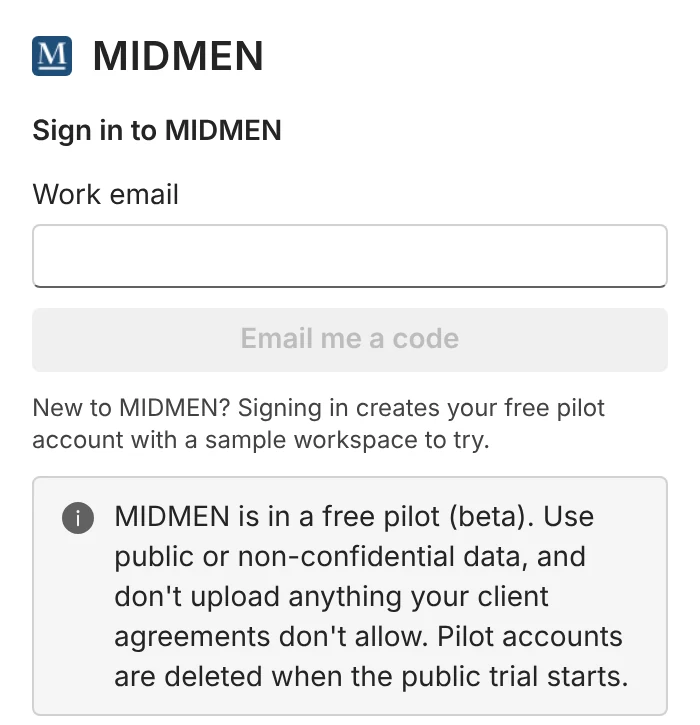
Sign in with an emailed code. -
Try the sample
In the pane, Download sample files: in Excel on the first screen or under Setup → Sample files; in Word and PowerPoint under ⋯ → Sample files. Open them from your Downloads folder.
- Excel: the model is already connected. Open Changes → Explain why to see which input moved the numbers.
- Word and PowerPoint: the pane brings the file up to version 2 and one sentence turns red. Try Fix, then Approve.
- Click any number to see its Excel cell, formula and source page.
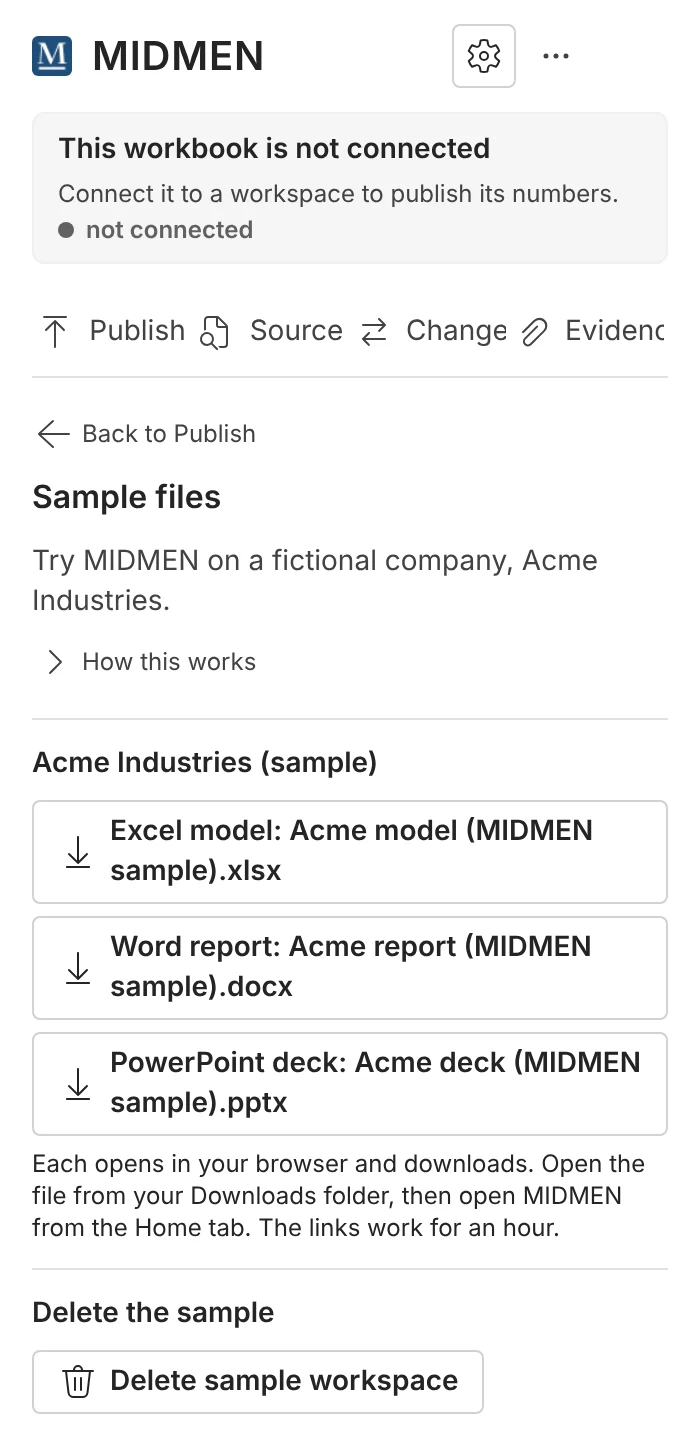
The Acme sample: model, report and deck.


To remove MIDMEN, run Uninstall MIDMEN.cmd from the same zip.
One pane,three apps.
Excel
Publish, Source, Changes, Evidence. The Setup gear holds Connect, Publish rules, People, AI, Claude, Invite code and Sample files.Word
Document, Draft, Source. Check the document and Insert figure live on Document; the ⋯ menu holds People, Invite code, Sample files and Report a problem.PowerPoint
Deck, Draft, Source. Click a number, a table cell or a chart on a slide and the pane shows its source.


Invite codes.
Draft, Fix and Connect in the Office pane use MIDMEN's own AI. During the pilot that needs an invite code.
- What it looks like
- MM-XXXX-XXXX-XXXX. One code per person, good for 50 AI actions; each click on Draft, Fix or Connect is one action.
- Where to enter it
- Excel: Setup (gear) → Invite code. Word and PowerPoint: ⋯ → Invite code. Paste it and click Use this code.
- Without a code
- You can still publish, trace numbers and keep documents true, and use everything from Claude, which never needs a code. A workspace owner can also add their own AI key in Setup → AI.
- Getting one
- Comment "MIDMEN" on the LinkedIn post or message Tidu there.
Something broke?Tell us from the pane.
Open ⋯ → Report a problem. Type what happened, or record a voice note of up to three minutes, and paste a screenshot with Ctrl + V.
The report carries the app, the Office version and the pane's recent errors. Nothing from your workbook, document or deck is sent unless you type it, show it in a screenshot or say it.
Anything else: [email protected].